
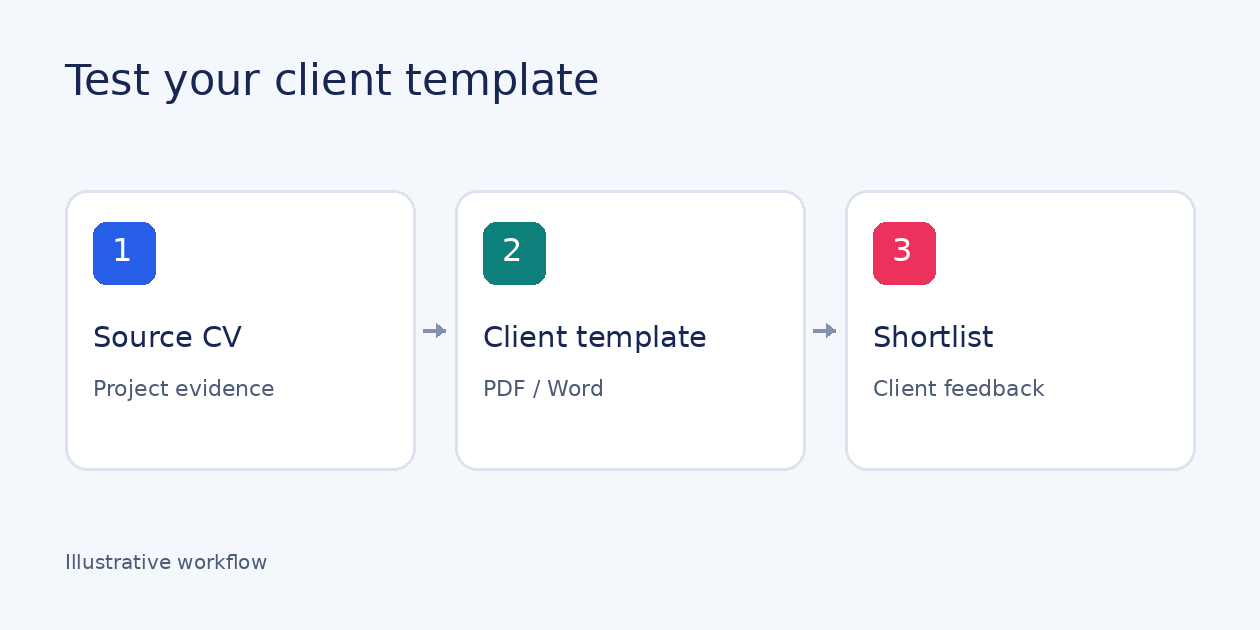
Choose consultant CV formatting software by testing one existing specialist CV against the template your next client actually requires. For IT-services and IT-staffing teams, the useful test is whether project evidence survives the formatting, the exported document meets the brief, and the approved shortlist is easy to share and discuss.
Use the acceptance card below with your current workflow and any tool you are considering. A polished supplier sample cannot tell you where your own documents will need editing.
Check project evidence, not just the skills list
For each relevant project, compare the source and output dates, role, personal responsibilities and technologies. Can the client see what the specialist did, rather than only what the project team delivered?
A technology in a general skills list does not establish when or where someone used it. Keep missing evidence as a question for the specialist; do not infer experience from a job title. Our guide to creating a candidate profile for a client covers the general structure. This test checks whether that information survives your client's required format.
Copy this client-template acceptance card
Use the same source CV and template for each workflow. Mark each check Pass, Needs editing or Not supported, and record the actual output as evidence. An empty result means untested, not passed.
Source CV and version: __________
Client template and version: __________
Workflow or tool: __________
Reviewer: __________
-
Template requirements. Before importing, record the section order, headings, visible fields, required file format and any client length limit. Compare the result against those requirements.
Result: __________
Output / evidence: __________ -
Project evidence. Compare dates, role, personal responsibilities and technologies for the selected projects. Check that each technology stays attached to the right project and person’s work. Flag missing information for clarification.
Result: __________
Output / evidence: __________ -
Client adaptation. Select the experience relevant to the request without changing the underlying facts. Compare company and client versions for accidentally omitted tasks, dates or technical details.
Result: __________
Output / evidence: __________ -
Disclosure. Decide which identity, contact and client-confidential details this submission may show. Inspect the finished profile, including free text, rather than relying on settings alone.
Result: __________
Output / evidence: __________ -
Export. Open the required PDF or Word file. Check page breaks, headings, long project descriptions and fields that need to remain editable.
Result: __________
Output / evidence: __________ -
Maintenance and approval. Update one confirmed project fact and check that it appears in the intended client version. Name the person who approves the profile before sending.
Result: __________
Output / evidence: __________ -
Shortlist sharing. Share only approved profiles. Check the recipient-facing branded link, how the client marks interest or leaves feedback, and how viewing or action notifications reach your team.
Result: __________
Output / evidence: __________
Keep the facts stable across company and client templates
Review both versions separately. A profile that works in your company template may still need different headings, field visibility or shorter project descriptions for a client. If a page limit requires cuts, prioritise relevant project evidence rather than altering dates or expanding the specialist's responsibilities.
Ask the supplier to demonstrate any required template adjustments on your documents, including the final export.
Keep your current workflow or add software?
If your current export passes the relevant checks, keep it. Evaluate an additional tool when recurring source-to-template edits or the subsequent client discussion remain the bottleneck. For each “Needs editing”, record the manual correction; for “Not supported”, ask for a demonstration of that exact step.
TalentVeil turns source CVs into branded profiles, with editable templates and PDF or Word export. After review, share your shortlist in a branded client portal: the client can mark interesting specialists and leave feedback on their profiles. Your team sees when the link is opened and receives notifications when the client views or acts.
Explore TalentVeil for IT-services teams with an existing specialist CV and the template your next client needs.